How do I use the Ford Intelligent Access Key Fob?
An Intelligent Access key allows you to access your vehicle without having to reach for your keys. The Intelligent Access system communicates with your vehicle via a radio frequency signal.
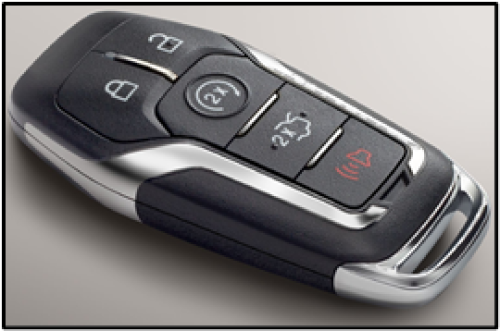
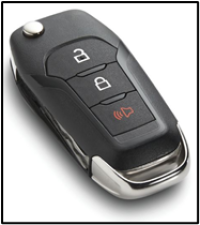
When the key is within a 33-foot range of your vehicle, it will allow you to:
| Actions | Instructions |
| Unlock your doors | Press a button on the key fob or grab the front door handle and pull. |
| Lock your doors | Press the sensor on the driver's door for about half a second until you hear it click. |
| Start your vehicle | Press and hold the brake pedal while you push the Start/Stop button. The key must be inside the vehicle. |
| Remote start (if equipped) | Press the Remote start button on the key fob twice to start your vehicle. See also the article How do I remote start my Ford vehicle? for more information. |
| Turn off your vehicle | Press the brake pedal, shift into Park (P), and push the Start/Stop button. |
| Open the trunk | Press the soft button switch located either above or below the license plate. |
Notes:
- If there is excessive radio frequency interference near your vehicle, or if your key fob transmitter battery is low, you can unlock the driver door with a mechanical key blade housed inside your Intelligent Access Key.
- For specific information on your vehicle, refer to your Owner's Manual.
Additional Information
How do I unlock my Ford when the Intelligent Access Key is not working?
What is the Phone As A Key feature?