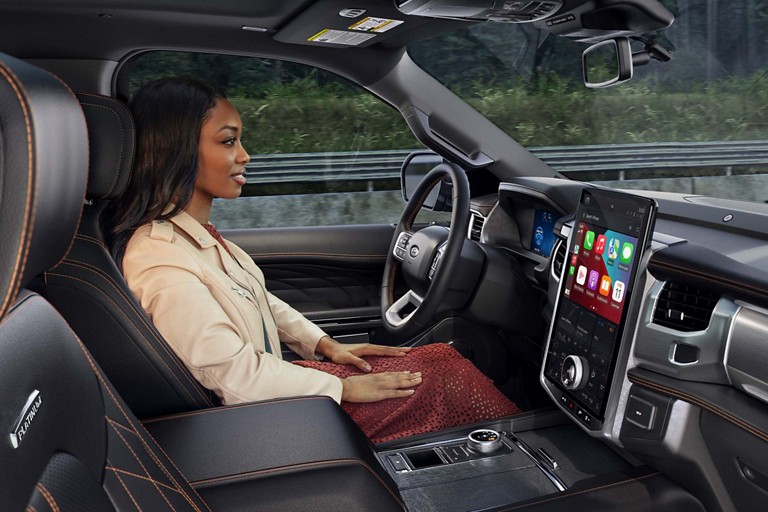
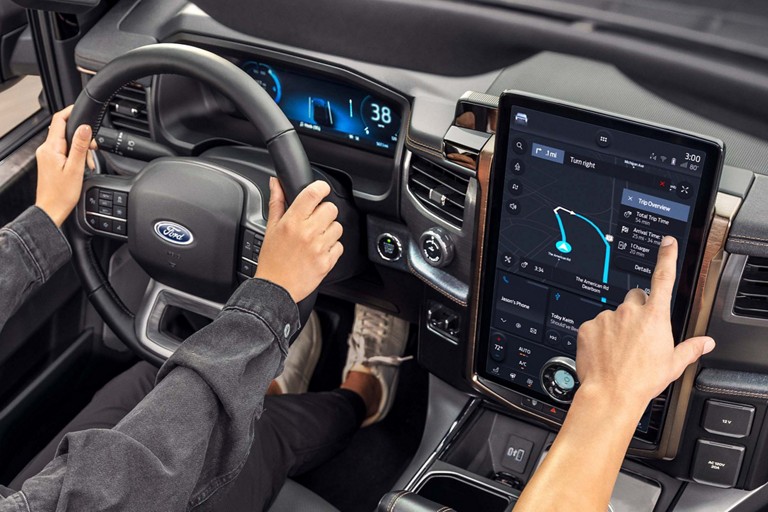
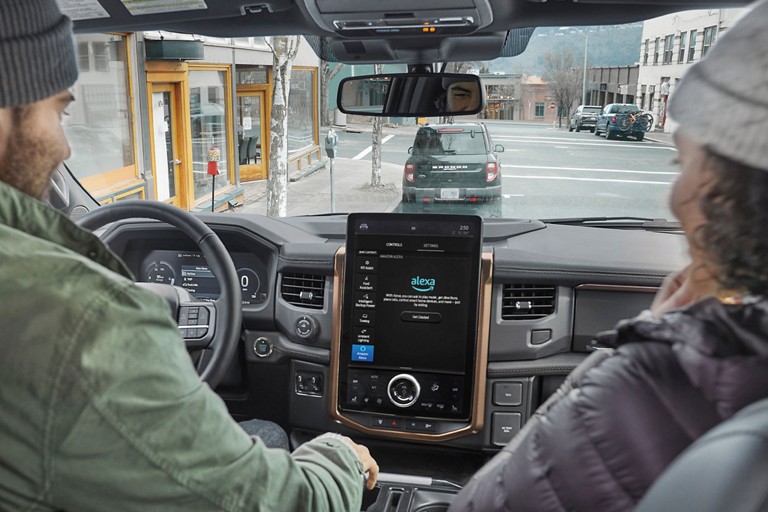
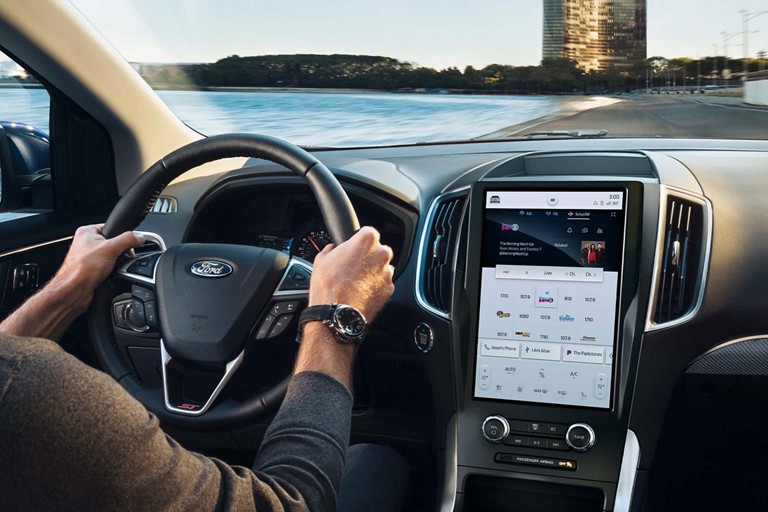
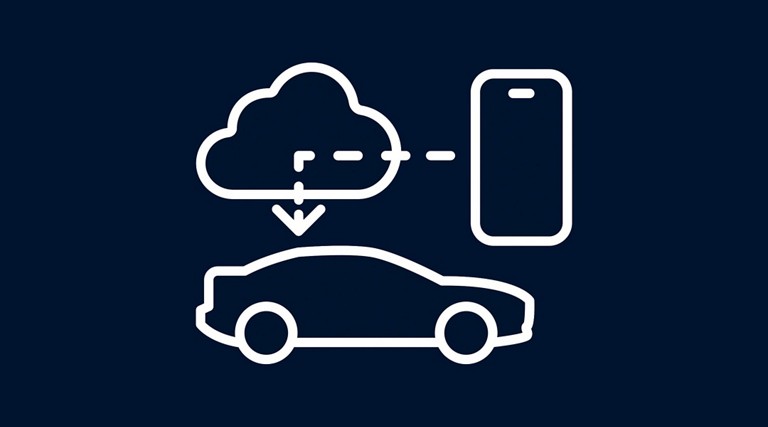
Connecting your Ford with your phone112 enables the transmission of data of data between your phone and your vehicle and unlocks your vehicle's connectivity capabilities — including BlueCruise and remote features such as start*/stop, lock**/unlock** and more.
* Remote Start feature compatible with automatic transmission only.
** Remote lock/unlock requires power door locks.
Connected Services:
Wi-Fi is not required. Some Connected Services can be activated even if you haven’t turned on your modem. However, some require an active modem to function, such as BlueCruise146. We encourage you to activate your modem to get the full connected in-vehicle experience.
Software Updates:
To help ensure a faster download and more seamless updates, we encourage you to connect to Wi-Fi (whenever possible), although it's not required. You can also use a cellular connection.
If your vehicle includes a complimentary trial from the factory, simply connect your Ford with your phone to access your trial. Note, your trial period begins on your new vehicle warranty start date, or for over the air activations, your trial starts when the software update is complete.
If you’d like to purchase a Connected Service, sign in to your Ford Account on Ford.ca or the Ford app99. With your new Ford vehicle added to the garage, your account will show you what’s available on the Connected Services tile. Once you’ve completed your purchase, the feature will unlock for your vehicle.
Select location
Please enter your ZIP Code
Click one of the below icons to start the browser download.
By entering your mobile phone number, you expressly consent to receive a text message on your mobile phone. Standard messaging and data plan rates may apply.
*
*